Your game's next character is one sentence away.
MeshGenie turns a text prompt into a rigged, animated, export-ready 3D model — no Blender, no GPU wrangling, no ComfyUI graphs at midnight.
Free while in beta · No spam · Built in public
Plain words in, options back.
A grid of cheap 2D concepts in seconds. Pick the one that feels right — nothing expensive has run yet.
You choose before you spend.
Locking the look first is why you never pay for a melted robot. One click and the expensive part begins.
Flat becomes dimensional.
Your concept inflates into a clean low-poly mesh with real PBR materials. Drag it — it's a live model, not a video.
It moves the moment it lands.
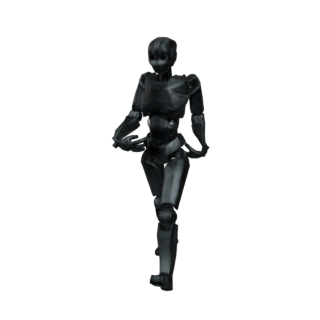
Skeleton, skinning weights and motion — applied for you. Exports as one GLB that drops straight into your engine.
Exports a clean GLB — drops straight into
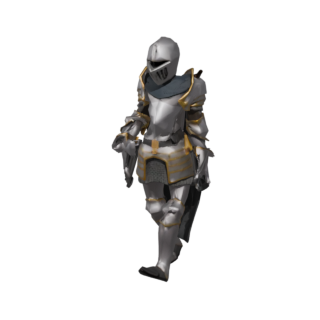
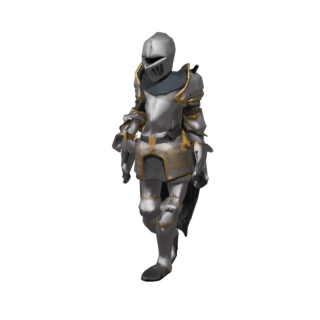
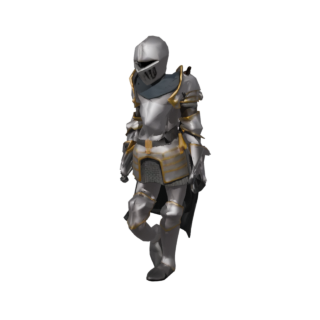
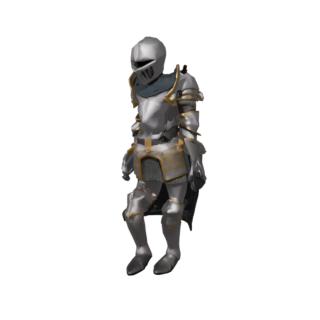
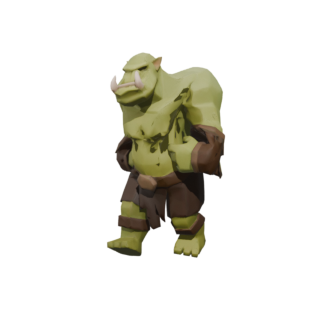
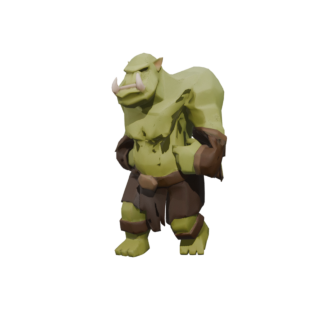
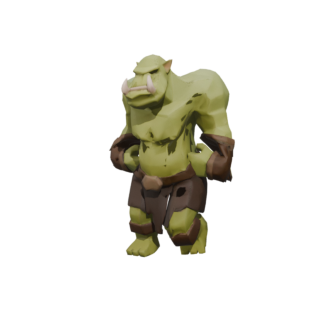
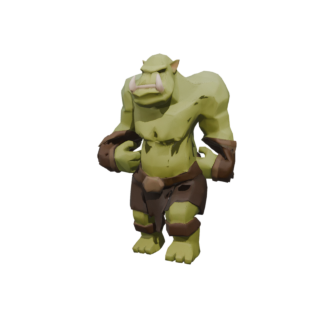
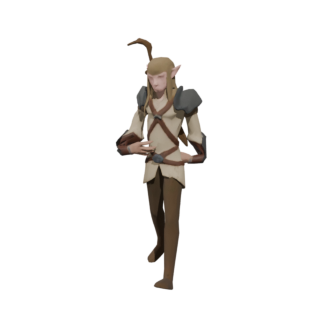
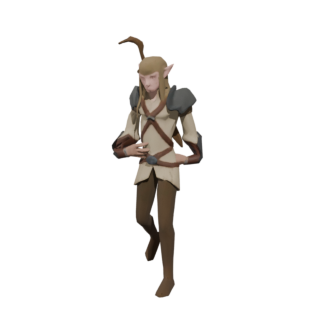
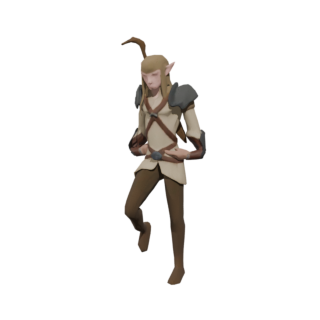
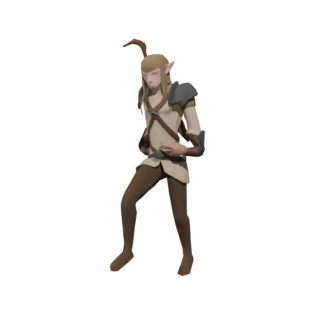
These came out of the pipeline.
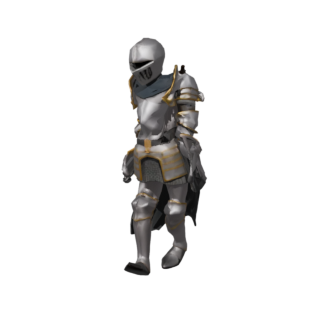
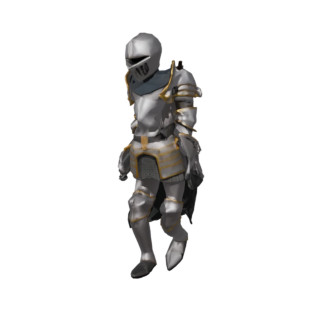
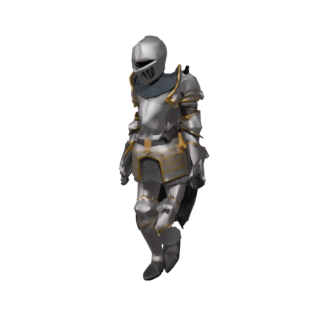
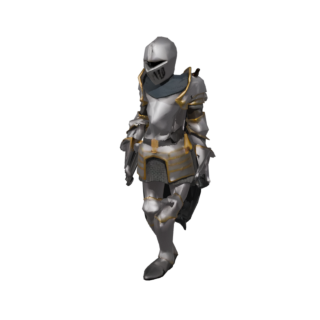
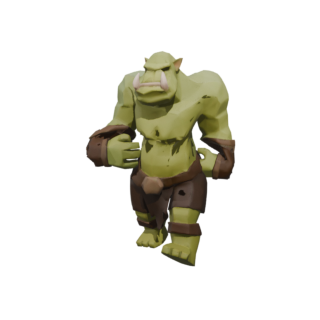
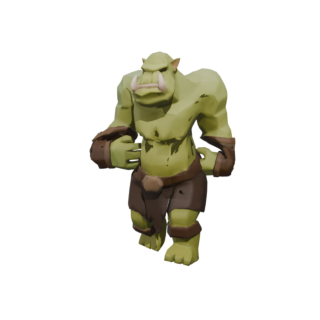
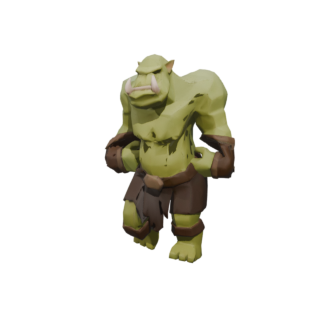
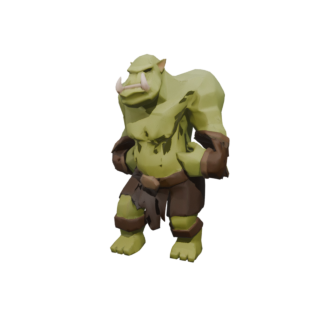
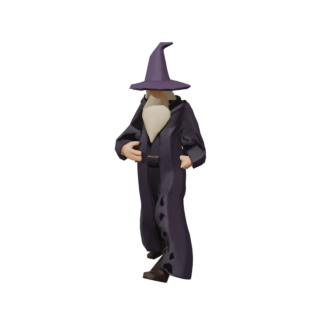
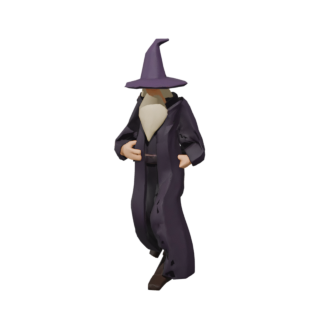
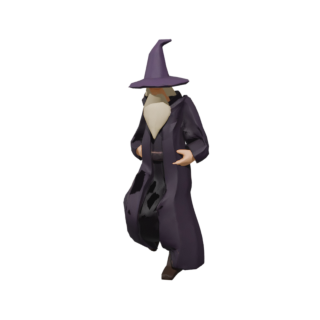
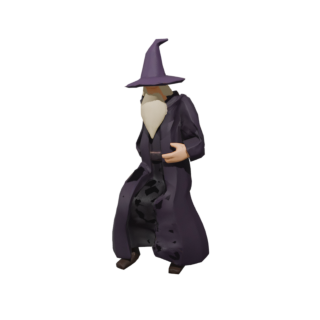
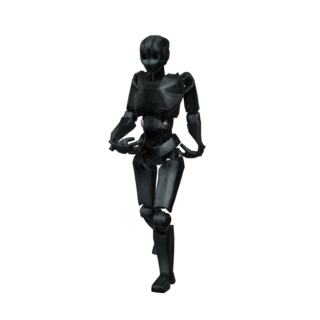
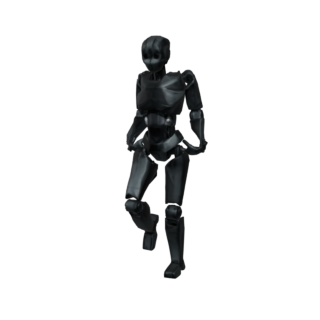
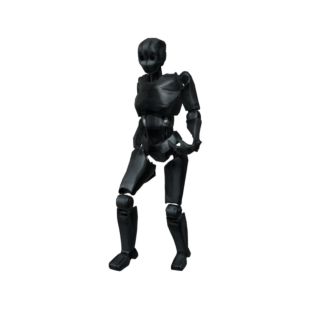
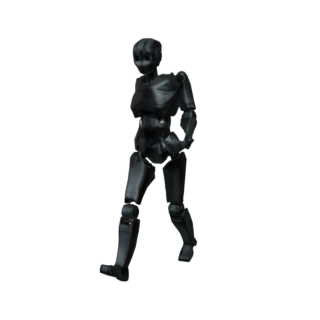
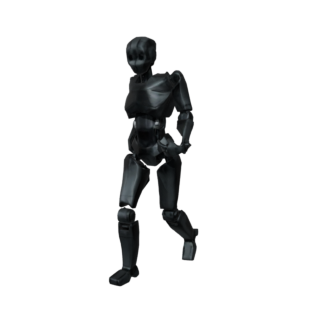
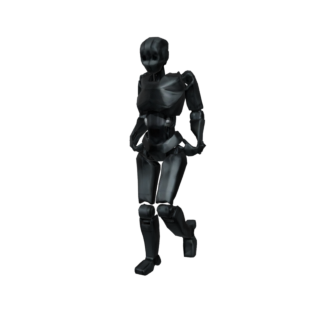
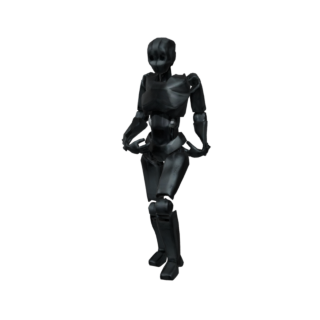
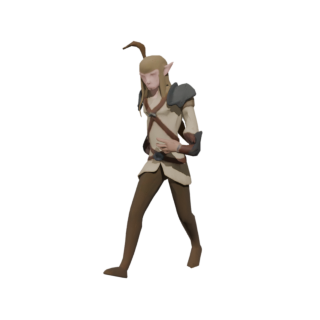
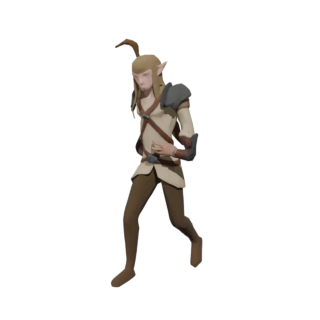
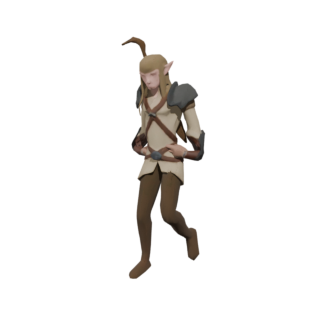
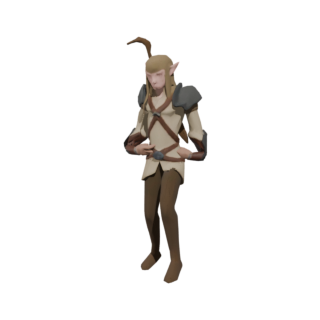
Unretouched renders of the actual GLBs, from the prompts underneath them. One frozen set of settings, and every character ships with four animations — walk, jog, idle and jump — in a single file under 1.5MB.
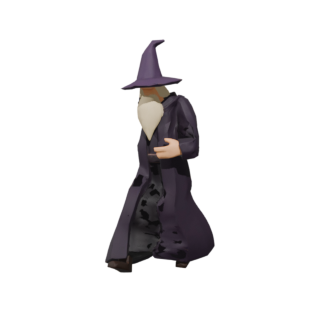
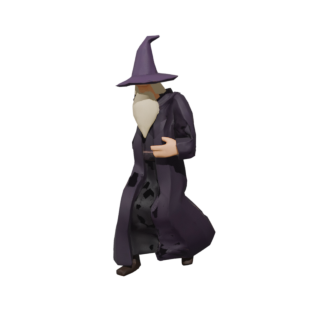
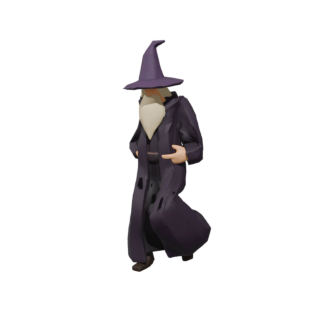
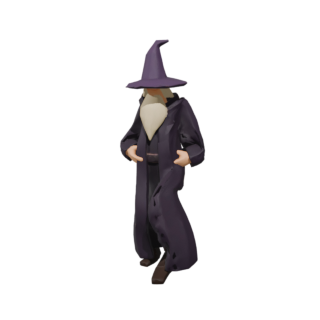
Not a mesh generator. A game-asset machine.
The other tools hand you a model. MeshGenie hands you something you can actually put in a game.
Rigged, not just modeled
Every character comes with a skeleton and clean skinning weights — animation-ready the second it downloads.
One style, every asset
Lock a look once. Every character, prop, and creature you summon matches it — so your world feels made, not assembled.
Any engine, one file
Standard GLB out. Unity, Unreal, Godot, Three.js — no converters, no “it imported weird,” no fuss.
Your game shouldn't look stitched together.
Grab assets from five different packs and it shows — mismatched scale, clashing palettes, a Frankenstein world. That's the tax on most AI asset tools.
MeshGenie pins your art direction into a style profile before you spend a credit. Poly budget, palette, vibe — frozen and versioned. Everything you make afterward belongs together.
Be first to rub the lamp.
MeshGenie is in private beta. Join the waitlist and we'll send you an invite — plus a front-row seat to the build.
The honest FAQ.
Do I need Blender, a GPU, or any 3D skills?
No. It all runs in the cloud. You type a prompt and download a finished file — no software to install, no GPU to rent, no skinning weights to hand-paint at 2am.
What exactly do I get?
A game-ready GLB: the mesh, PBR textures, and — for characters — a skeleton with skinning weights. Drop it straight into your engine.
What can it make?
Rigged characters and creatures, plus static props and environment pieces (barrels, trees, weapons). Props skip the rigging step, so they're even faster.
When can I actually use it?
We're in private beta now, opening in waves. Join the waitlist and you'll get an invite as soon as there's a slot.
How much will it cost?
Free while in beta. Pricing will be simple and credit-based at launch — cheap enough that a solo dev can asset up a whole game.